07 May 2025
Your Business Runs Differently So Should Your POS
Different businesses need different POS systems. Let’s find the one that fits yours.
07 May 2025
Different businesses need different POS systems. Let’s find the one that fits yours.


An unreliable POS system isn’t just an inconvenience, it’s a problem that slows everything down. A good POS should feel like part of the team, keeping things running. But not all businesses have the same needs.
The right POS isn’t just about taking payments. It’s about keeping things moving, tracking what’s selling, and making sure you’re not stuck dealing with tech problems when you should be focused on running your business. A retail store has different requirements than a food truck, and a large restaurant chain won’t use the same system as a small café. Let’s see the different types of POS systems and where they work the best.
These are the classic POS setups you see at checkout counters, fixed terminals with a touchscreen, a receipt printer, a barcode scanner, and a card reader. They’re built for businesses that handle a high volume of transactions and need a system that’s reliable and secure.
Retail stores, supermarkets, and restaurants rely on terminal POS systems to process payments quickly and manage inventory efficiently. Devices like the Apos A20FP are designed for businesses that require additional security, featuring biometric authentication to prevent fraud, especially useful for financial services and government applications.
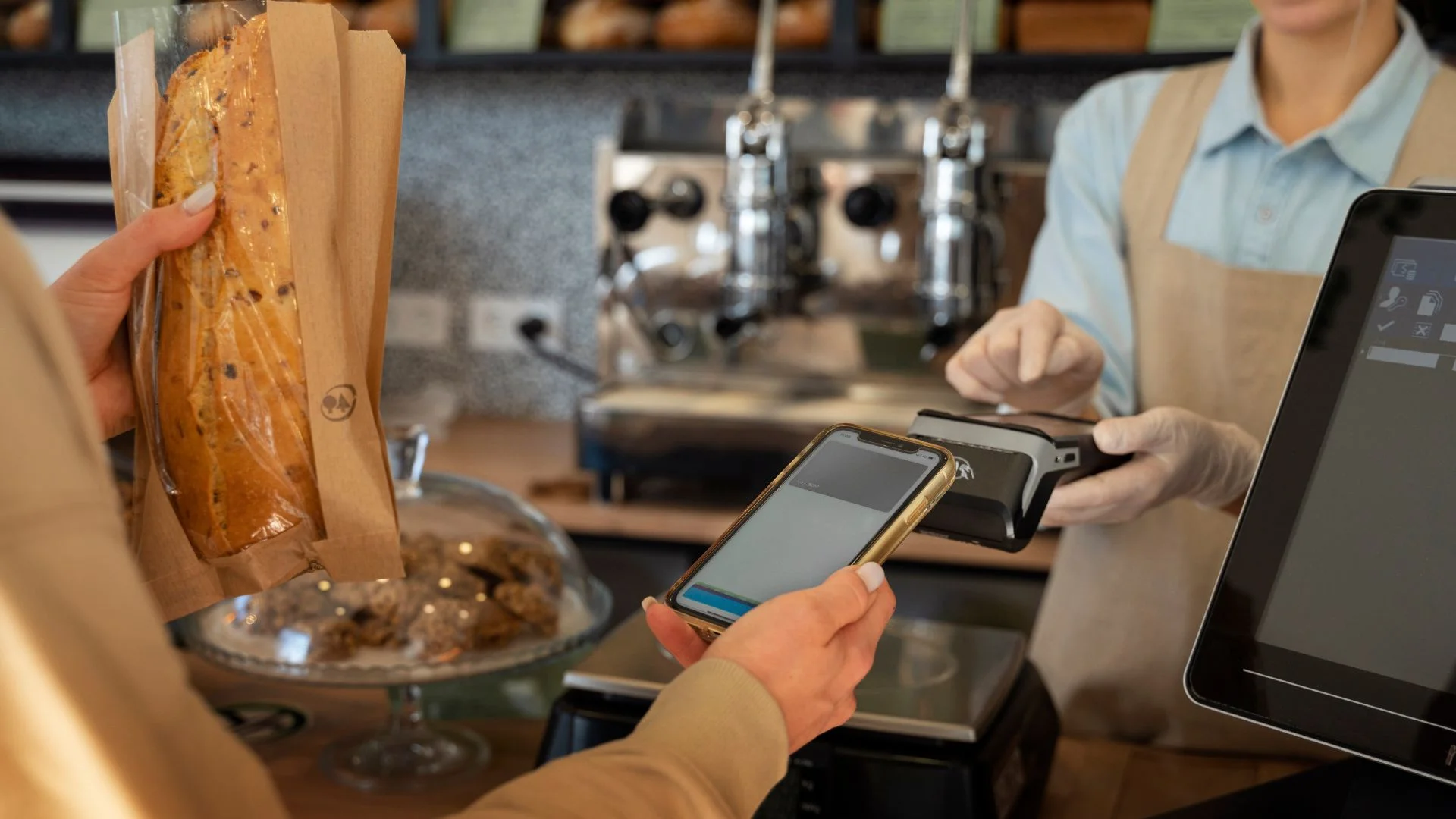
Tablet-based POS systems turn iPads or Android tablets into fully functional checkout devices. These systems are perfect for businesses that need mobility, such as cafés, food trucks, and pop-up shops.
With a system like Smartpay, businesses can take orders at the table, process payments on the go, or even allow customers to pay via their own devices. It’s an affordable and easy-to-use solution for businesses that don’t want to be tied to a traditional counter.
Unlike traditional systems that store data locally, cloud-based POS systems allow business owners to track sales, manage inventory, and access reports from anywhere. This is a game-changer for companies with multiple locations or for owners who want real-time insights into their business.
The STORM – Smart Terminal Operations Remote Manager (TMS) platform provides cloud-based management, making it easy for businesses to monitor transactions across different locations. Instead of manually compiling sales data, everything is updated automatically, allowing businesses to make better decisions without extra hassle.
Some businesses need more than just a plug-and-play solution. Open-source POS systems allow customisation, letting businesses modify features to suit their needs. However, they require technical knowledge, so they’re best for companies with an IT team.
While fully open-source solutions require custom development, platforms like Smartpay offer a flexible framework that can be adapted for different business models. It’s ideal for those looking for more control over their POS without building a system from scratch.
Self-service kiosks are becoming increasingly popular in quick-service restaurants, movie theaters, and transport hubs. Instead of waiting in line, customers can place orders, make payments, and even customise their meals through an interactive touchscreen.
Modern POS systems are designed for speed, and touch screens make transactions faster and easier. Instead of dealing with bulky keyboards or outdated interfaces, businesses can process orders with just a few taps.
Devices like the Feitian F20, with its touchscreen interface and built-in thermal printer, are great examples of how POS technology is evolving. This kind of system is perfect for high-traffic businesses like supermarkets, salons, and retail stores that need a fast and efficient checkout process.
At Access Computech, we build POS systems that help businesses stay ahead of changing payment trends. Whether you need a powerful fixed terminal or a mobile solution that fits in your pocket, we’ve got you covered.
Looking to upgrade your POS system? Explore our solutions at Access Computech.